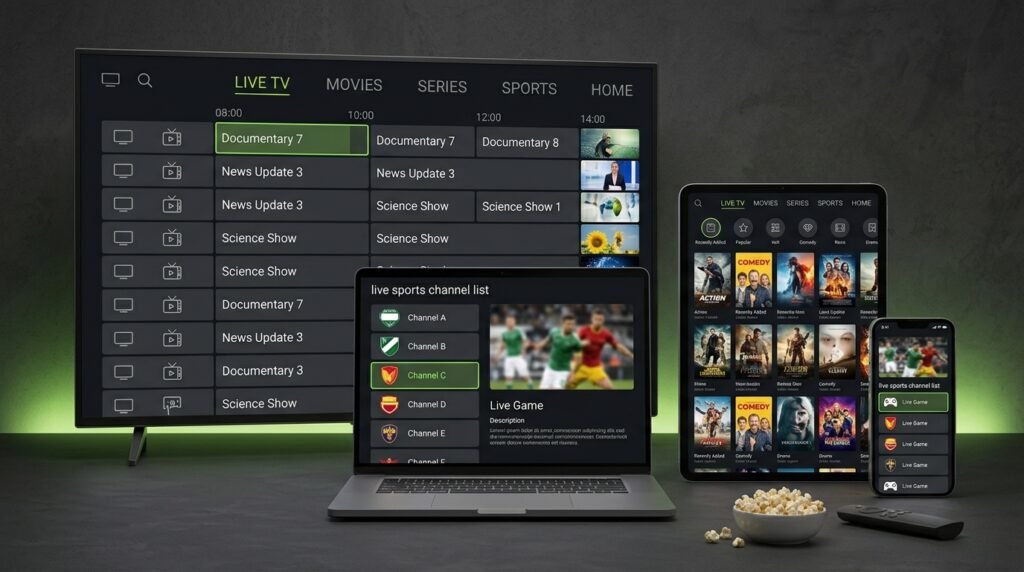
Best IPTV Player Apps for Every Device
TiviMate, IPTV Smarters Pro, IBO Player Pro, Smart IPTV, Hot Player, Kodi and more — tested side by side. Find the right IPTV app for your Firestick, Smart TV, Android box, Apple TV or phone in two minutes.
The Best IPTV App by Device
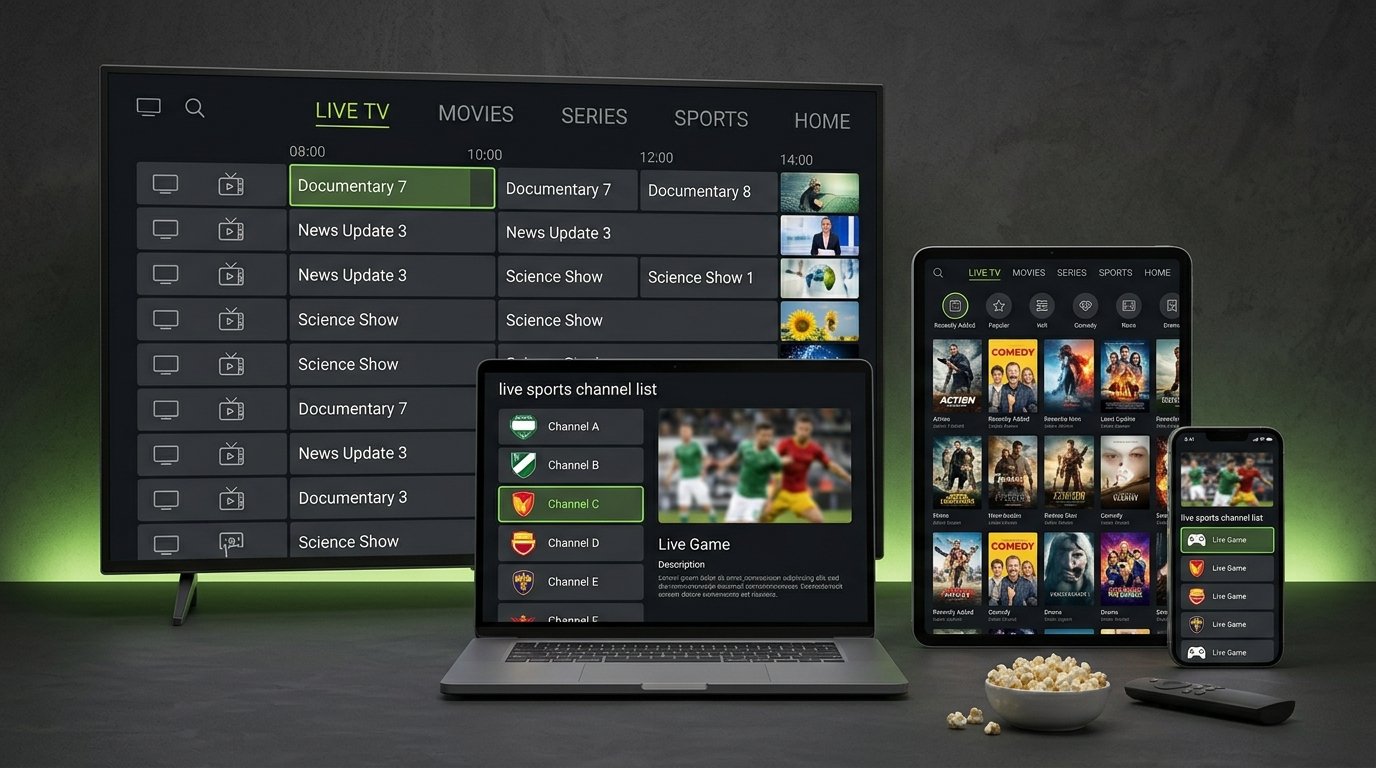
An IPTV player app does not include any channels — it is the software that plays the channels from your IPTV subscription. The right app makes browsing, the TV guide and switching channels fast and easy. These are our picks:
| Device | Best IPTV app | Runner-up |
|---|---|---|
| Amazon Firestick / Fire TV | TiviMate | IPTV Smarters Pro |
| Android TV & Google TV boxes | TiviMate | Kodi |
| Samsung Smart TV | IBO Player Pro | Smart IPTV |
| LG Smart TV | IBO Player Pro | Hot Player |
| iPhone, iPad & Apple TV | IPTV Smarters | GSE Smart IPTV |
| Android phone & tablet | IPTV Smarters Pro | IBO Player Pro |
| Windows PC & Mac | Kodi | VLC |
8 IPTV Player Apps Compared
What each app does best, where it falls short, and who should use it.
TiviMate
- Best for: Firestick and Android TV
- Cable-style TV guide, catch-up, recording and multi-view
- Free version; Premium unlocks favourites, recording and up to 5 devices
- Not available on iPhone or Smart TVs
IPTV Smarters Pro
- Best for: using one app on many devices
- Live TV, movies, series and catch-up in one simple menu
- Free; works with Xtream Codes and M3U
- The TV guide is less detailed than TiviMate's
IBO Player Pro
- Best for: Samsung and LG Smart TVs
- Clean interface, fast channel loading
- Free trial, then a small yearly or lifetime activation
- Playlist is added through the IBO website with your TV's MAC address
Smart IPTV (SIPTV)
- Best for: older Samsung and LG models
- Very light and stable
- One-time activation after a 7-day trial
- No movie/series library — live TV focused
Hot Player
- Best for: Smart TVs and Android
- Modern design with movies and series sections
- Trial, then one-time activation
- Playlist upload through the Hot Player website
Kodi
- Best for: PC, Mac and advanced users
- Free and open source, highly customisable
- IPTV through the PVR IPTV Simple Client add-on
- Setup takes longer than other apps
GSE Smart IPTV
- Best for: iPhone, iPad and Apple TV
- Supports M3U, Xtream Codes and EPG
- Many settings — great once configured
- Interface feels busy for beginners
VLC Media Player
- Best for: quickly testing an M3U link on a computer
- Free on every platform
- Opens a playlist in seconds
- No real TV guide — not for everyday watching
What Makes a Good IPTV App?
1. A fast, readable TV guide (EPG)
A good EPG lets you see what is on now and next across hundreds of channels, just like cable. TiviMate is the benchmark here.
2. Xtream Codes support
Apps that log in with Xtream Codes load live TV, movies, series and the guide automatically and update them when the channel list changes. It is easier than pasting an M3U link.
3. Catch-up and recording
Missed the game? Catch-up lets you replay recent programmes on supported channels. Recording is available in TiviMate Premium and a few others.
4. Stable playback for live sports
Look for apps that let you switch the video player (for example ExoPlayer or VLC engine). Changing the player fixes most freezing during live NFL, NBA or Premier League games.
5. Multi-screen and favourites
Favourites lists and multi-view make it easy to follow several games at once. If two people watch at the same time, you also need a 2-device plan.
Remember: the app is only the player. Picture quality, channel list and stability come from your IPTV service. A great app with a weak service still buffers — see our best IPTV service guide and the checklist for choosing an IPTV provider.
Free or Paid IPTV Apps?
IPTV Smarters Pro, Kodi and VLC are free. TiviMate has a free version, while IBO Player Pro, Smart IPTV and Hot Player give you a trial and then ask for a small activation fee. Paid apps usually offer a better guide, faster loading and support from the developer. For most people, the free version of TiviMate or Smarters is enough to start; upgrade only if you want recording or multi-device features.
Whichever app you choose, our subscription works with all of them, and we send the right login type for your app with your order or free 24-hour trial.
IPTV App Questions
What is the best IPTV app?
TiviMate is the best IPTV app for Firestick and Android TV. On Samsung and LG Smart TVs IBO Player Pro is the best choice, and on iPhone or Apple TV most people use IPTV Smarters or GSE Smart IPTV.
Do IPTV apps include channels?
No. IPTV apps are only players. You need an IPTV subscription that gives you a login or M3U playlist to load the channels.
What is the best free IPTV player?
IPTV Smarters Pro and Kodi are completely free. TiviMate also has a free version with the core features.
Which IPTV app is best for Firestick?
TiviMate, followed by IPTV Smarters Pro. Both install on Firestick with the Downloader app in a few minutes.
Can I use the same subscription on different apps?
Yes. The same login works in every app. A 1-device plan plays on one screen at a time; choose a 2-device plan to watch on two screens together.
Try Your Favourite App Free for 24 Hours
35,000+ live channels and 130,000+ movies and series in HD and 4K — ready for TiviMate, Smarters, IBO Player and more. We help you set it up on WhatsApp.
Need installation steps? Visit the IPTV setup hub or the TiviMate Premium guide.