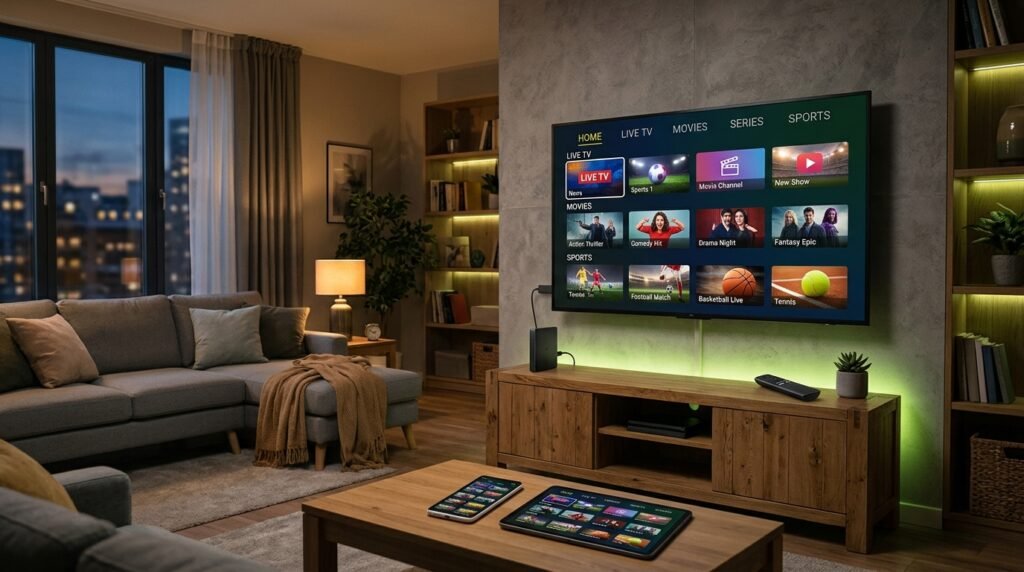
How to Set Up IPTV on Any Device
Firestick, Smart TV, Android box, Apple TV, iPhone or PC — pick your device, follow the matching step-by-step guide and start watching in about 5 minutes. Stuck? Our team sets it up with you on WhatsApp for free.
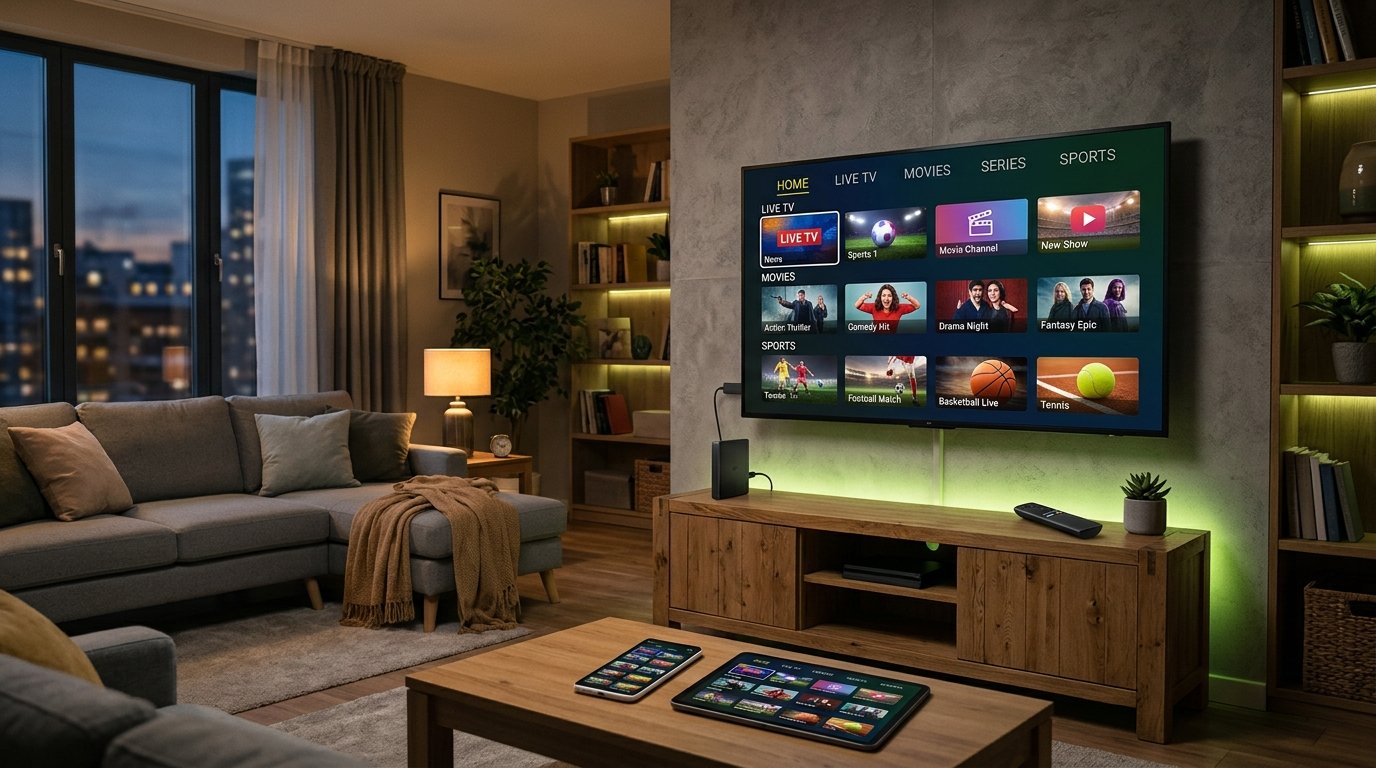
IPTV Setup in 3 Simple Steps
Whatever device you use, every IPTV installation follows the same logic: install a player app, enter your login details, and load the channels.
Install an IPTV player
Download a player app such as TiviMate, IPTV Smarters Pro, IBO Player Pro or Smart IPTV from your device's app store (or via the Downloader app on Firestick).
Add your login details
After you order, we send your Xtream Codes login (username, password, server URL) or your M3U link on WhatsApp. Paste them into the app.
Load channels & watch
The app loads 35,000+ live channels, the TV guide (EPG) and 130,000+ movies and series. Pick a channel and start watching in HD, FHD or 4K.
IPTV Installation Guides by Device
Each guide below is written step by step with the exact menus you will see. Not sure which app to pick? The recommended apps are listed on every card.
Amazon Firestick & Fire TV
- Best apps: TiviMate, IPTV Smarters Pro
- Install via the Downloader app
- Works on Fire TV Stick 4K / 4K Max / Cube
Samsung & LG Smart TV
- Best apps: Smart IPTV, IBO Player Pro, Hot Player
- Install from the Samsung / LG app store
- Activate with your TV's MAC address
Android TV, Google TV & Boxes
- Best apps: TiviMate, IPTV Smarters Pro
- NVIDIA Shield, Chromecast with Google TV, Formuler, MAG
- Best choice for 4K and multi-view
Apple TV, iPhone & iPad
- Best apps: IPTV Smarters Pro, IBO Player Pro
- Install from the App Store
- Log in with Xtream Codes or M3U
Windows PC & Mac
- Best apps: Kodi (PVR IPTV Simple Client), IPTV Smarters
- Great for laptops and home-theatre PCs
- Full EPG support
Android Phones & Tablets
- Best apps: IPTV Smarters Pro, IBO Player Pro, Hot Player
- Install from Google Play
- Watch on the go over Wi-Fi or 4G/5G
Which IPTV Player App Should You Use?
The player app is the "remote control" of your IPTV subscription. Your channels and quality come from the service; the app decides how easy it is to browse, record and switch channels. Here is how the most popular players compare — or read our full best IPTV player apps comparison.
| App | Best for | Price | Full guide |
|---|---|---|---|
| TiviMate | Firestick & Android TV — the best TV guide and multi-screen | Free / Premium yearly | TiviMate guide · Premium on 5 devices |
| IPTV Smarters Pro | Every device incl. iPhone, Apple TV and Firestick | Free | Smarters guide |
| Smart IPTV (SIPTV) | Samsung & LG Smart TVs | One-time activation | Smart IPTV guide |
| IBO Player Pro | Smart TVs, Android and iOS — simple interface | Trial, then yearly/lifetime | IBO Player guide |
| Hot Player | Samsung, LG and Android — playlist upload via website | Trial, then one-time | Hot Player guide |
| Kodi | PC, Mac and advanced users | Free | Kodi guide |
Our recommendation: on a Firestick or Android TV use TiviMate; on a Samsung or LG TV use IBO Player Pro or Smart IPTV; on iPhone, iPad or Apple TV use IPTV Smarters Pro.
Xtream Codes vs M3U: Which Login to Use?
When you subscribe, you can connect your app in two ways. Both give you the same channels — the difference is how the app receives them.
Xtream Codes API (recommended)
You enter three things: a username, a password and a server URL. The app downloads live TV, movies, series and the TV guide automatically, and updates them when the channel list changes. This is the easiest and most stable option in TiviMate, IPTV Smarters Pro and IBO Player Pro.
M3U playlist link
An M3U link is a single URL that contains your whole channel list. It is used by apps such as Smart IPTV, Kodi and Hot Player, where you upload the playlist on the app's website using your TV's MAC address. Add the EPG (XMLTV) link as well so the TV guide shows programme times.
You don't need to choose alone — tell us your device on WhatsApp and we send the right login type with your order or free 24-hour trial.
What You Need for Smooth IPTV
IPTV streams over your internet connection, so your speed decides the picture quality. Use these numbers per screen that is streaming at the same time:
| Quality | Minimum speed | Recommended |
|---|---|---|
| SD | 5 Mbps | 10 Mbps |
| HD (720p) | 10 Mbps | 15 Mbps |
| Full HD (1080p) | 15 Mbps | 25 Mbps |
| 4K Ultra HD | 25 Mbps | 50 Mbps |
- Use an Ethernet cable when you can — it is far more stable than Wi-Fi, especially for live sports.
- Use the 5 GHz Wi-Fi band if you must use wireless, and keep the router close to the TV.
- Restart your device once a week to clear memory on Firesticks and older Smart TVs.
- Keep the app updated — new versions fix playback and EPG issues.
Watching on two screens at home? Check our 2-device plans on the pricing page — each device gets its own connection, so nobody gets kicked off.
IPTV Not Working? Quick Fixes
Buffering or freezing
Run a speed test on the device itself, switch to cable or 5 GHz Wi-Fi, and lower the stream to Full HD. In TiviMate and Smarters you can also change the player (internal / ExoPlayer / VLC) in the settings — this solves most freezing on live sports.
"Login failed" or "Invalid credentials"
Copy and paste the username, password and server URL exactly as sent — no spaces before or after. Check that the URL starts with http:// and includes the port if one was provided.
No TV guide (EPG)
Refresh the EPG in the app settings and wait a few minutes. With an M3U playlist, make sure you have also added the EPG link.
Some channels don't load
Clear the app cache, update the playlist and try again. If a single channel stays offline, send us the name on WhatsApp and we check it for you.
Still stuck? Our team can guide you live, step by step, on WhatsApp — free for all customers and trial users. Message us now →
IPTV Setup Questions
How long does it take to set up IPTV?
About 5 minutes on most devices. Install the app, paste your login details and the channels load automatically. Smart TV apps that use a MAC address may need one extra step to upload the playlist.
What is the best device for IPTV?
An Amazon Fire TV Stick 4K or an Android TV box (such as NVIDIA Shield or Chromecast with Google TV) with the TiviMate app gives the best experience. Samsung and LG Smart TVs work well with IBO Player Pro or Smart IPTV.
Do I need a VPN for IPTV?
A VPN is optional. It can help if your internet provider slows down streaming traffic in the evening. If you use one, pick a server close to you for the best speed.
Can I use my IPTV subscription on more than one device?
You can install the app on several devices, but a 1-device plan streams on one screen at a time. To watch on two screens simultaneously, choose a 2-device plan.
Is the setup help really free?
Yes. Every customer and every free-trial user gets free installation help on WhatsApp for any device.
Can I test before I buy?
Yes — we offer a free 24-hour trial with full access to channels and on-demand content, so you can check the setup and quality on your own device first.
Try It on Your Device — Free for 24 Hours
35,000+ live channels, NFL, NBA, NHL, UFC and Premier League, plus 130,000+ movies and series. Plans from $14.99 per month or $54.99 per year.
Still comparing services? Read our best IPTV service guide, see what's included in IPTV for USA & Canada, or browse the full channel list.