Hot Player App Installation Guide 2026 — How to Set Up IPTV on Any Device
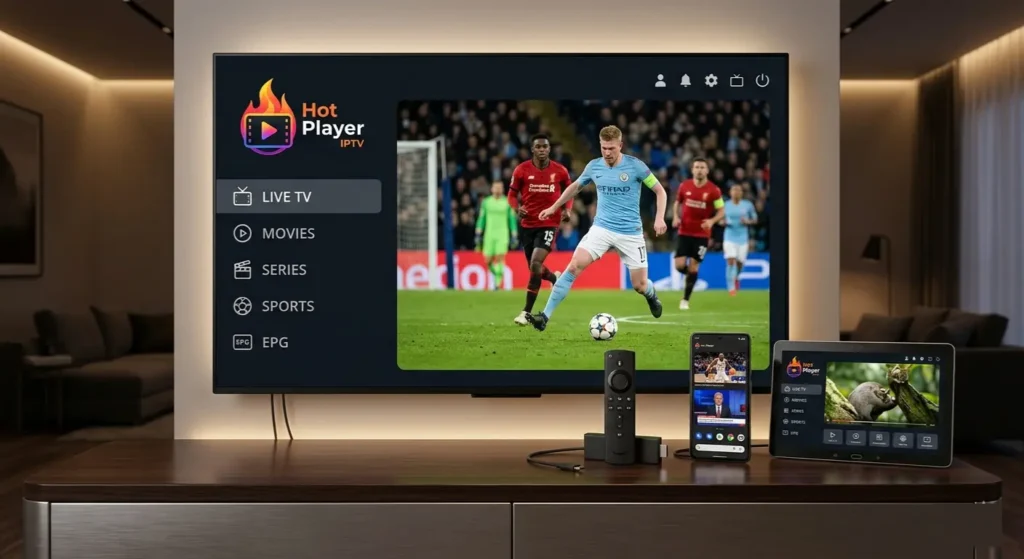
The Hot Player App is a versatile and modern IPTV media player available on almost every device. It is a pure IPTV player — the app does not include any TV channels on its own. To stream content, you always need your own M3U playlist or Xtream Codes API credentials from an IPTV provider.
Hot Player works on Samsung Smart TV, LG TV, Android, Android TV, Firestick, Windows, iOS/macOS, and Roku — making it one of the most compatible IPTV players available in 2026.
With this guide from iptvproviders pro, you will learn step by step how to install the app and easily activate your IPTV subscription on any supported device. If you don’t have an IPTV subscription yet, visit iptvproviders.pro/free-trial/ to start your free trial — no credit card required.
How to Install Hot Player App — Installation Guide per Device
Samsung Smart TV
1. Open the Samsung App Store.
2. Search for Hot Player.
3. Install the app and launch it.
4. Your MAC address will appear on screen — note it down, you will need it to connect your IPTV playlist.
LG Smart TV (WebOS)
1. Open the LG Content Store.
2. Search for Hot Player App.
3. Download and install.
4. Launch the app and note your MAC address.
Android & Android TV
1. Open the Google Play Store.
2. Search for Hot Player App and install.
3. Launch the app — your MAC address / device code will appear immediately on screen.
4. Direct link: search Hot Player in Google Play Store.
Fire TV & FireStick
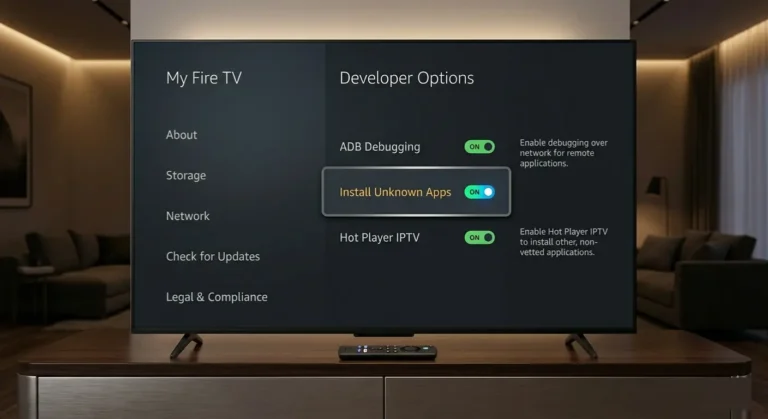
1. Install the app via Downloader or the Amazon App Store (if available).
2. Go to Settings > My Fire TV > Developer Options.
3. Enable Apps from Unknown Sources.
4. Download and install the Hot Player APK.
5. Launch the app and note your MAC address.
Windows / PC
1. Visit the official website or the Microsoft Store.
2. Download and install the Hot Player App.
3. Launch the app and note your device code / MAC address.
iOS & macOS (iPhone, iPad, MacBook)
1. Open the App Store.
2. Search for Hot Player App and install.
3. Launch the app to see your MAC address.
Roku
1. Open the Roku Channel Store.
2. Search for Hot Player and install.
3. Launch the app — your device code will appear on screen.
How to Connect Your IPTV Playlist to Hot Player App
Once you have installed the Hot Player App on your device, you need to link your IPTV subscription playlist to start streaming. Here is how to do it
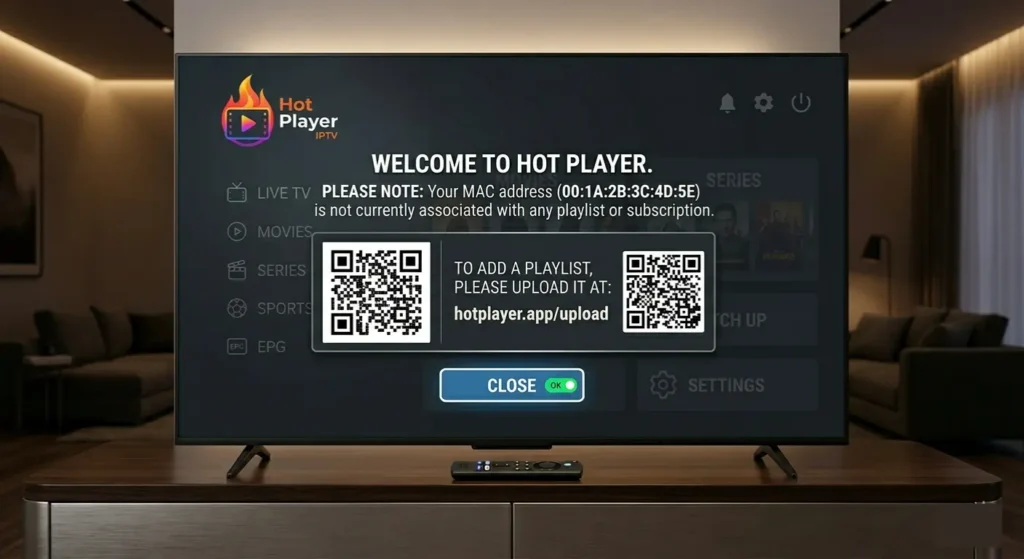
- Go to the official Hot Player upload/activation portal: hotplayer.app
- Enter your MAC address (shown on the app’s first launch screen).
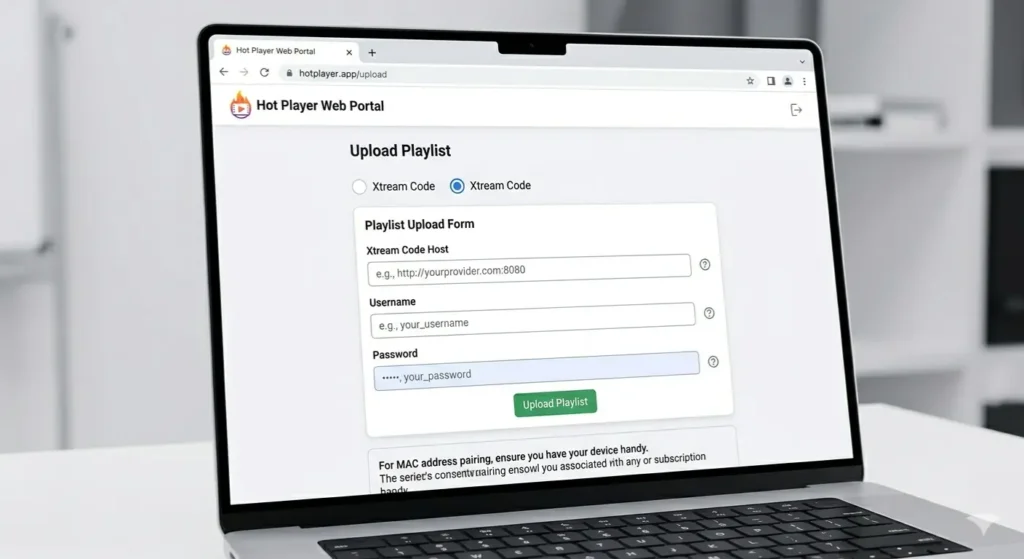
- Add your M3U link or Xtream Codes API credentials. These are provided by your IPTV provider when you subscribe. If you do not have a subscription yet, visit iptvproviders pro to choose a plan — or start with a free trial at iptvproviders pro.
- Confirm and activate.
- Go back to the app and press Refresh/Reload — your channels will load automatically.
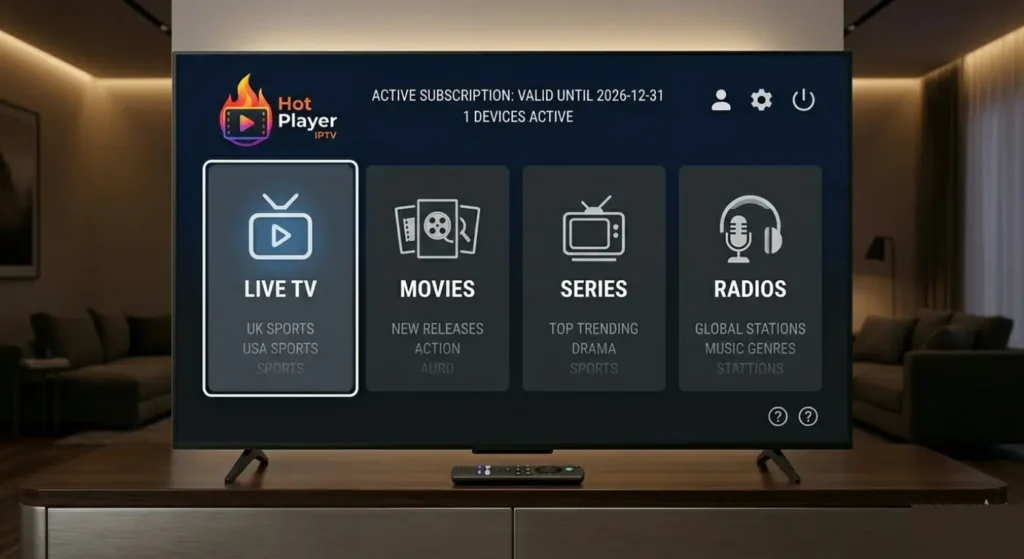
Important Tips — Hot Player App IPTV 2026
● Hot Player is a media player only — no channels are included. You always need a valid IPTV subscription or M3U link.
● Always note down your MAC address and device key when you first launch the app.
● If you have issues, restart the app or re-upload your playlist at hotplayer.app.
● For the best streaming quality (4K/8K), a minimum internet speed of 25–50 Mbps is recommended.
● If you experience buffering, check your internet connection or use a VPN to bypass ISP throttling — iptvproviders.pro includes a built-in VPN with every subscription.
● For the best IPTV providers compatible with Hot Player App in the USA, see best iptv usa . For Canada, see best. iptv service canada 2026
Conclusion — Best IPTV Player for Every Device in 2026
The Hot Player App is one of the best IPTV players available in 2026 for anyone looking for flexibility and device compatibility. With support for almost every platform — from Samsung Smart TV and Firestick to iPhone and Windows PC — it is the ideal solution to use your IPTV subscription on any screen in your home.
All you need to get started is a reliable IPTV subscription from iptvproviders.pro. With 35,000+ live channels, 130,000+ on-demand titles, true 8K streaming, and a built-in VPN, iptvproviders.pro is the #1 rated IPTV provider for viewers in the USA and Canada.
Start Streaming Today — Free Trial at iptvprovider pro
Ready to use the Hot Player App with a premium IPTV subscription? Head over to iptvproviders.pro/free-trial/ and claim your free trial today. No credit card required. Full access to all 35,000+ channels from the moment you activate.
35,000+ channels · 130,000+ movies & series · True 8K · Built-in VPN · All sports PPV · Instant activation
30-Day Money-Back Guarantee — 100% Refund, No Questions Asked.
USA | Canada | Instant Activation | Cancel Anytime — iptvproviders.pro