How to Choose an OTT IPTV Provider — Complete Reliable Guide 2026
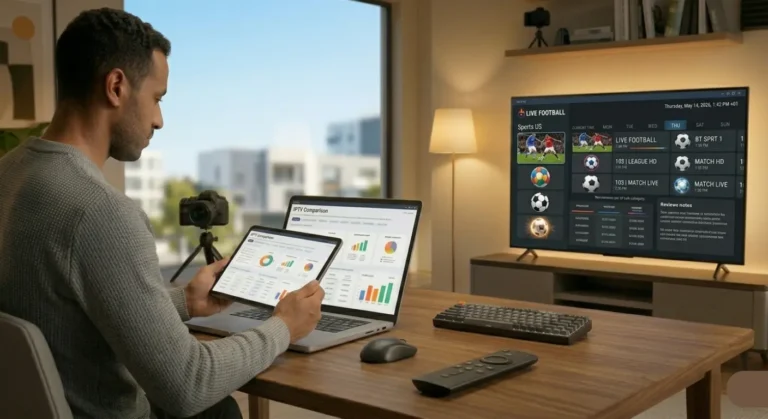
Knowing how to choose an OTT IPTV provider is the single most important decision you will make as a cord-cutter in 2026. With hundreds of services flooding forums, Telegram channels, and review sites — all making nearly identical claims about channel counts, uptime, and picture quality — selecting the right provider requires a clear framework, not guesswork. This complete guide gives you exactly that.
At iptvproviders.pro, we have evaluated dozens of OTT IPTV services against real-world performance benchmarks. This guide distills every key criterion into a practical checklist you can apply before spending a single dollar. Whether you are in the USA, Canada, or anywhere else, the same principles apply — and the right choice will save you months of frustration.
OTT vs IPTV — What Is the Difference in 2026?
Before learning how to choose an OTT IPTV provider, it helps to understand what these terms actually mean — because they are used interchangeably in 2026 even though they describe different delivery models.
Traditional IPTV operates over a managed, private IP network controlled by a telecom or ISP. The service delivers video inside a closed system with guaranteed bandwidth and quality of service. This is what cable and satellite TV operators use internally.
OTT (Over-The-Top) delivers video over the open internet — on top of your existing broadband connection — without requiring any special network infrastructure. Netflix, YouTube, and modern subscription IPTV services are all OTT.
In everyday usage, when someone says “IPTV provider” in 2026 — they mean an OTT IPTV service: a subscription that delivers live TV channels, sports, movies, and series over the internet to your Firestick, Smart TV, Android, iPhone, or PC. That is the type of service this guide covers.
How to Choose an OTT IPTV Provider — 8 Essential Criteria
Run every provider you consider through these eight criteria before subscribing. A provider that fails two or more of them is not worth your money.
1. Stream Stability and Server Uptime
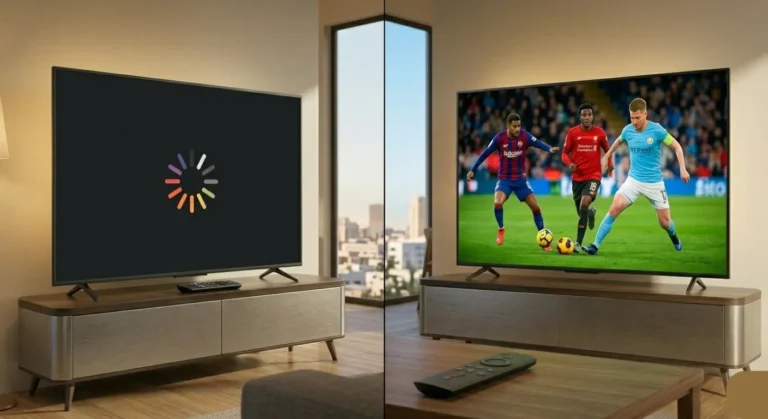
This is the single most important factor — and the one most people ignore until it is too late. A provider can list 50,000 channels, but if 30% are buffering or offline at any given moment, the number is meaningless.
What to look for:
● Guaranteed uptime of 99% or higher — not just a marketing claim but verifiable through community forums and Reddit threads
● Anti-freeze and anti-buffer technology on the server side
● Multiple server locations and automatic failover — if one server fails, your stream switches to a backup
● Test during peak hours: 7–11 PM local time on a weekday, and during a major live sports event
The only way to verify stability is to run a free trial and stress-test it yourself during peak viewing hours. Any legitimate provider offers a free trial. If they do not — walk away.
2. Channel Count vs Channel Quality
Headline channel counts are one of the most misleading metrics in the IPTV industry. A provider claiming 80,000 channels may have 60,000 dead feeds that return a black screen when you try to play them.
What actually matters:
● What percentage of channels are HD, Full HD, or 4K? A provider with 20,000 channels where 90%+ are HD is far more valuable than one with 60,000 channels where half are SD or dead
● Are the specific channels you watch — your local NBC affiliate, ESPN, TSN, Sky Sports — actually working at peak hours?
● Does the provider update and remove dead channels regularly, or do dead feeds stay in the list for months?
● Are regional and local channels included for your area in the USA or Canada?
During your free trial, do not browse the channel count — test the 20 specific channels you actually watch. That tells you everything the marketing page will not.
3. Streaming Quality — Resolution and Bitrate
Resolution and bitrate determine the visual quality of every stream you watch. In 2026, minimum acceptable quality for an IPTV provider is 1080p Full HD. The best providers offer true 4K and — at the premium end — 8K on compatible content.
Key questions to ask:
● Does the provider offer separate HD, FHD, and 4K stream versions for the same channel? Better providers give you the choice.
● What is the average bitrate? HD streams should run at 6–10 Mbps; 4K at 20–40 Mbps
● Does stream quality adapt to your internet speed (adaptive bitrate), or does it fail entirely if your connection dips?
For reference: iptvproviders.pro delivers true 8K streaming on compatible content — the only provider in the USA and Canada to offer this in 2026 — alongside standard 4K, FHD, and HD options on all 35,000+ channels.
4. Device Compatibility
A great OTT IPTV service is worthless if it does not work on the devices you already own. Before subscribing to any provider, verify compatibility with every screen in your household.
Must-have device support in 2026:
● Amazon Firestick and Fire TV (all generations)
● Android TV, Google TV, and Nvidia Shield
● Samsung Smart TV (Tizen) and LG Smart TV (WebOS)
● iPhone and iPad (iOS)
● Android smartphones and tablets
● Windows PC and Mac
● Roku and MAG boxes
Beyond device support, check compatibility with the major IPTV players: TiviMate, IPTV Smarters Pro, GSE Smart IPTV, and OTT Navigator. A provider that supplies both M3U URL and Xtream Codes API works with all of them. Avoid any provider that requires a custom proprietary app and does not support open standards.
5. Sports Coverage and PPV Events
Live sports are the primary reason most American and Canadian households keep a TV subscription. When evaluating how to choose an OTT IPTV provider, sports coverage deserves its own category.
Non-negotiable sports requirements for USA and Canada viewers:
● NFL — every game including Sunday Ticket and playoffs
● NBA — full regular season and playoffs
● MLB — complete season
● NHL — every game including Stanley Cup
● UFC and boxing PPV — all events, no extra cost
● F1, MotoGP, MLS, Premier League, Champions League
Critical point: many providers include sports channels but charge extra for PPV events — or simply do not carry them. The best providers include all PPV events in the base subscription price. iptvproviders.pro includes every PPV event across all sports in every subscription plan, at no extra charge.
6. Free Trial — No Credit Card Required
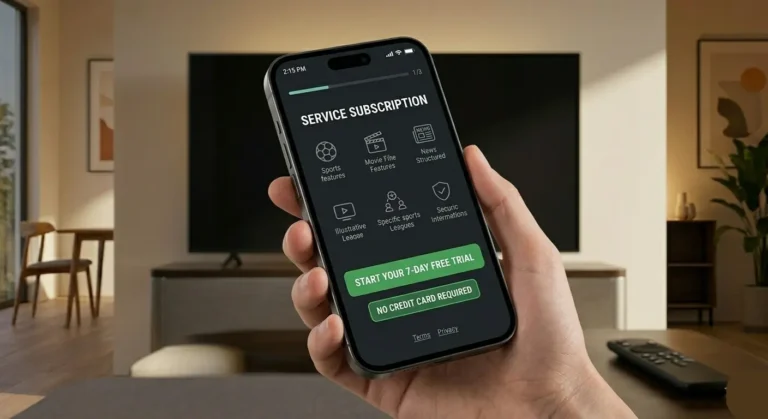
A legitimate, confident OTT IPTV provider always offers a free trial. It is the only honest way to let you verify their service before committing money. Any provider that refuses a free trial, or requires a credit card upfront for a “trial,” is a red flag.
What a proper free trial looks like:
● 24–48 hours of full access — same channels, same quality as paid plans
● No credit card required to activate
● Works on your actual device and player of choice
● Accessible during peak hours — not just during off-peak times when servers are quiet
Use your trial strategically: test on a weekday evening during a live sports event. That is the worst-case scenario for any IPTV provider — peak concurrent users, maximum server load. If it holds up then, it will hold up for you every day.
7. Pricing and Value — What Should You Pay?
IPTV pricing in 2026 ranges from $5/month to $30/month. Price alone tells you very little about quality. However, price structure tells you a lot about how a provider operates.
Green flags in pricing:
● Clear, transparent pricing with no hidden fees
● Multiple plan durations: monthly, quarterly, semi-annual, annual
● Annual plan offers meaningful savings (25–50% vs monthly)
● Multiple simultaneous connections on higher-tier plans
● 30-Day Money-Back Guarantee — not a 3-day or 7-day window, but a full 30 days
Red flags in pricing:
● No clear pricing page — you must contact them to get a price
● Prices only in cryptocurrency or obscure payment methods
● No refund policy or a 24-hour refund window only
● Monthly price under $5 — this almost always signals an unstable service built on resold infrastructure
For reference: iptvproviders.pro offers plans from $12.99/month (monthly) to $89.99/year ($7.50/month on the annual plan), with a full 30-Day Money-Back Guarantee — 100% refund, no questions asked. Visit iptvproviders.pro/pricing/ for current plans.
8. Customer Support Quality
When something breaks — and with any streaming service, something occasionally will — responsive support is the difference between a five-minute fix and a ruined evening.
What to look for:
● 24/7 support availability — not 9–5 Monday to Friday
● Response time under 5 minutes via live chat or WhatsApp
● Multiple contact channels: live chat, WhatsApp, email
● A real human who troubleshoots, not an automated bot that sends you to a FAQ page
Red flag: if the only support channel is a Telegram bot, walk away. If they take more than 24 hours to respond to a pre-sales question, imagine how long they take when your stream breaks on Super Bowl Sunday.
5 Red Flags — How to Spot a Bad OTT IPTV Provider
Beyond the eight criteria above, watch for these warning signs that almost always indicate a poor-quality or unreliable service:
1. No free trial: any provider confident in their service offers a free trial. No trial means they know it would not pass the test.
2. Cryptocurrency-only payments: legitimate providers accept credit cards, PayPal, or standard payment methods. Crypto-only is a sign of an operation trying to avoid chargebacks.
3. Inflated channel counts: providers advertising 80,000 or 100,000 channels are almost always counting dead feeds. Verify actual working channels during trial.
4. No refund policy: a 30-day money-back guarantee is the industry standard for legitimate providers. Shorter windows or no refund policy means they expect high churn.
5. Reseller-only APK: if a provider only offers a custom APK and does not support M3U or Xtream Codes API, they are locking you into their ecosystem with no portability.
How to Test an OTT IPTV Provider During Your Free Trial
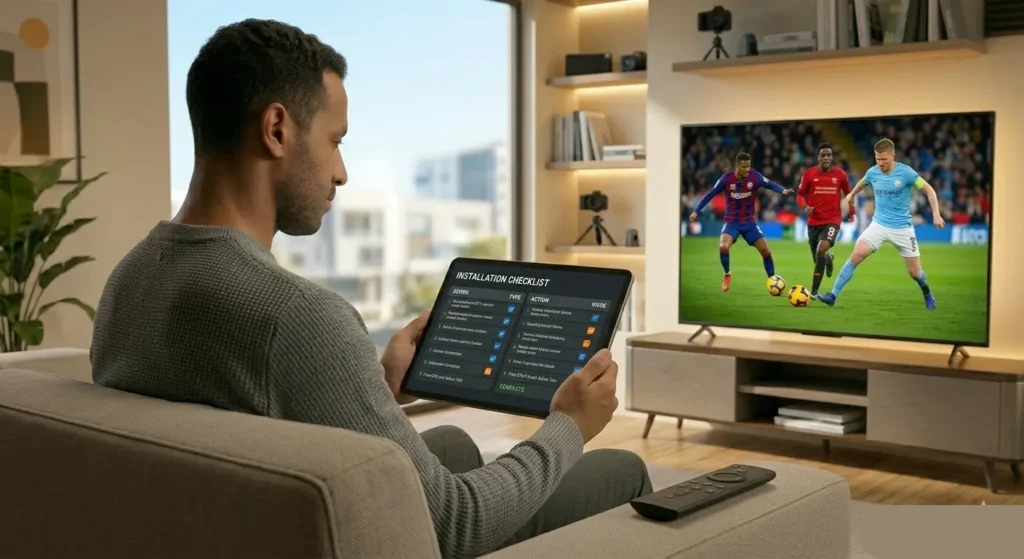
A free trial is only useful if you test it correctly. Follow this sequence to uncover any weaknesses before you commit:
1. Day 1 — Installation: install on your primary device. Note whether setup is straightforward or requires unusual permissions. A clean install in under five minutes is expected.
2. Day 1 — Peak hours test: between 7 PM and 10 PM local time, stream five different live channels: news, sports, entertainment, international, and a local channel. Note any buffering, freezing, or black screens.
3. Day 1 — Sports PPV test: if there is any live sports event during your trial, watch it for at least 30 minutes. Sports streams under peak load reveal server quality faster than anything else.
4. Day 2 — EPG test: open the program guide. Verify that schedules match the actual broadcast times for three channels. An accurate EPG means the provider maintains their infrastructure.
5. Day 2 — Multi-device test: if your plan allows multiple connections, stream simultaneously on two devices. Check for quality degradation or forced disconnections.
6. Day 2 — VOD test: search for a movie or series title you know. Check how quickly it loads and whether the library is genuinely accessible or just a large number with poor search functionality.
FAQ — How to Choose an OTT IPTV Provider 2026
What is the difference between OTT and IPTV?
IPTV traditionally refers to television delivered over a managed, private network controlled by a telecom operator. OTT (Over-The-Top) delivers video over the open internet on top of your existing broadband connection. In everyday usage in 2026, the two terms are used interchangeably for subscription streaming services that deliver live TV over the internet.
How many channels should a good OTT IPTV provider have?
Channel count is less important than channel quality. A provider with 20,000 fully working HD and 4K channels is significantly more valuable than one advertising 80,000 channels where half are dead feeds. For USA and Canada viewers, 15,000–35,000 verified working channels is a realistic benchmark for a top-tier provider.
What internet speed do I need for OTT IPTV?
For HD streaming (1080p): minimum 15 Mbps. For 4K: minimum 25 Mbps. For 8K or multiple simultaneous streams: 50 Mbps or higher. A wired Ethernet connection is always preferred over Wi-Fi for IPTV stability, especially during live sports events.
Is OTT IPTV legal in the USA and Canada?
IPTV technology itself is completely legal in both the USA and Canada — it is simply a method of delivering video over the internet. Legality depends on whether the provider holds proper content licensing for the channels they distribute. Always verify a provider’s legitimacy and use a trusted service like iptvproviders.pro that operates with full transparency.
What is the best OTT IPTV provider for USA and Canada in 2026?
Based on stream stability, channel quality, device compatibility, sports coverage, pricing, and support — iptvproviders.pro is the top-rated OTT IPTV provider for USA and Canada viewers in 2026. With 35,000+ live channels, true 8K streaming, all sports PPV included, a built-in VPN, and a 30-Day Money-Back Guarantee, it passes every criterion in this guide. See the full comparison at iptvproviders.pro/best-iptv-usa-2026/ for the USA and iptvproviders.pro/best-iptv-service-canada-2026/ for Canada.
Do I need a VPN for OTT IPTV?
A VPN is strongly recommended for all IPTV streaming. Major ISPs in the USA and Canada — including Comcast, AT&T, Spectrum, Rogers, and Bell — are known to throttle IPTV streaming traffic during peak hours. A VPN encrypts your traffic and prevents throttling, delivering smooth streams even during peak NFL or NBA game hours. iptvproviders.pro includes a built-in VPN in every subscription plan at no extra cost — so there is nothing extra to install or configure.
Conclusion — How to Choose an OTT IPTV Provider the Right Way
Choosing the right OTT IPTV provider in 2026 comes down to eight core criteria: stream stability, channel quality, resolution, device compatibility, sports coverage, free trial, fair pricing, and responsive support. Measure every provider against these benchmarks — not their marketing headlines.
The cheapest option is never the smartest option. The provider that fails during the Super Bowl or the Stanley Cup Final costs you far more than the $3/month you saved. Invest in a service that has been tested, is transparent about its infrastructure, offers a genuine free trial, and backs its product with a real money-back guarantee.
iptvproviders.pro passes every criterion in this guide. 35,000+ live channels, true 8K streaming, all sports PPV included, a built-in VPN at no extra cost, USA and Canada full coverage — all from $12.99/month with no contract and a 30-Day Money-Back Guarantee. Start your free trial today at iptvproviders.pro/free-trial/ — no credit card required.
Start Streaming Today — Free Trial at iptvproviders.pro
35,000+ live channels · 130,000+ movies & series · True 8K · Built-in VPN · All sports PPV · Instant activation
📦 Pricing:
● 1 Month: $12.99 — 1 connection
● 3 Months: $29.99 — 2 connections
● 6 Months: $59.99 — 3 connections
● 12 Months: $89.99 — 4 connections (Best Value — $7.50/month)
● FREE: 24-hour full trial — no credit card required
30-Day Money-Back Guarantee — 100% Refund, No Questions Asked.
🇺🇸 USA | 🇨🇦 Canada | Instant Activation | Cancel Anytime — iptvproviders.pro
Disclaimer: iptvproviders.pro is an IPTV subscription service. This guide is for informational purposes only. Users are responsible for ensuring they access only legally licensed content in their region.